Folio
Read a PDF. Ask about it.
Folio is a PDF reader for macOS with chatgpt.com open beside the page, signed in with your own account. You can ask about a passage or a whole page without leaving the document.
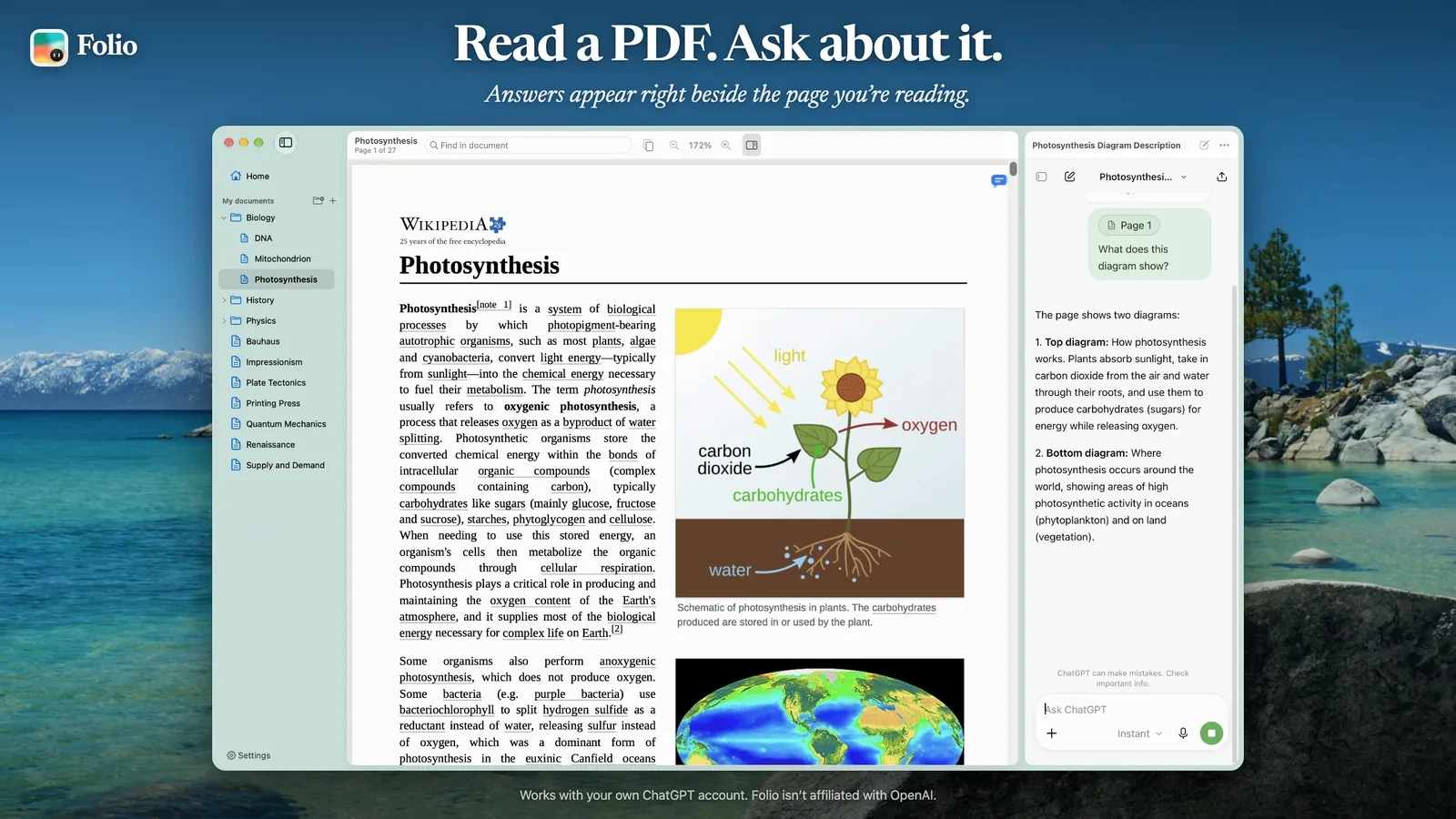
Passages and pages
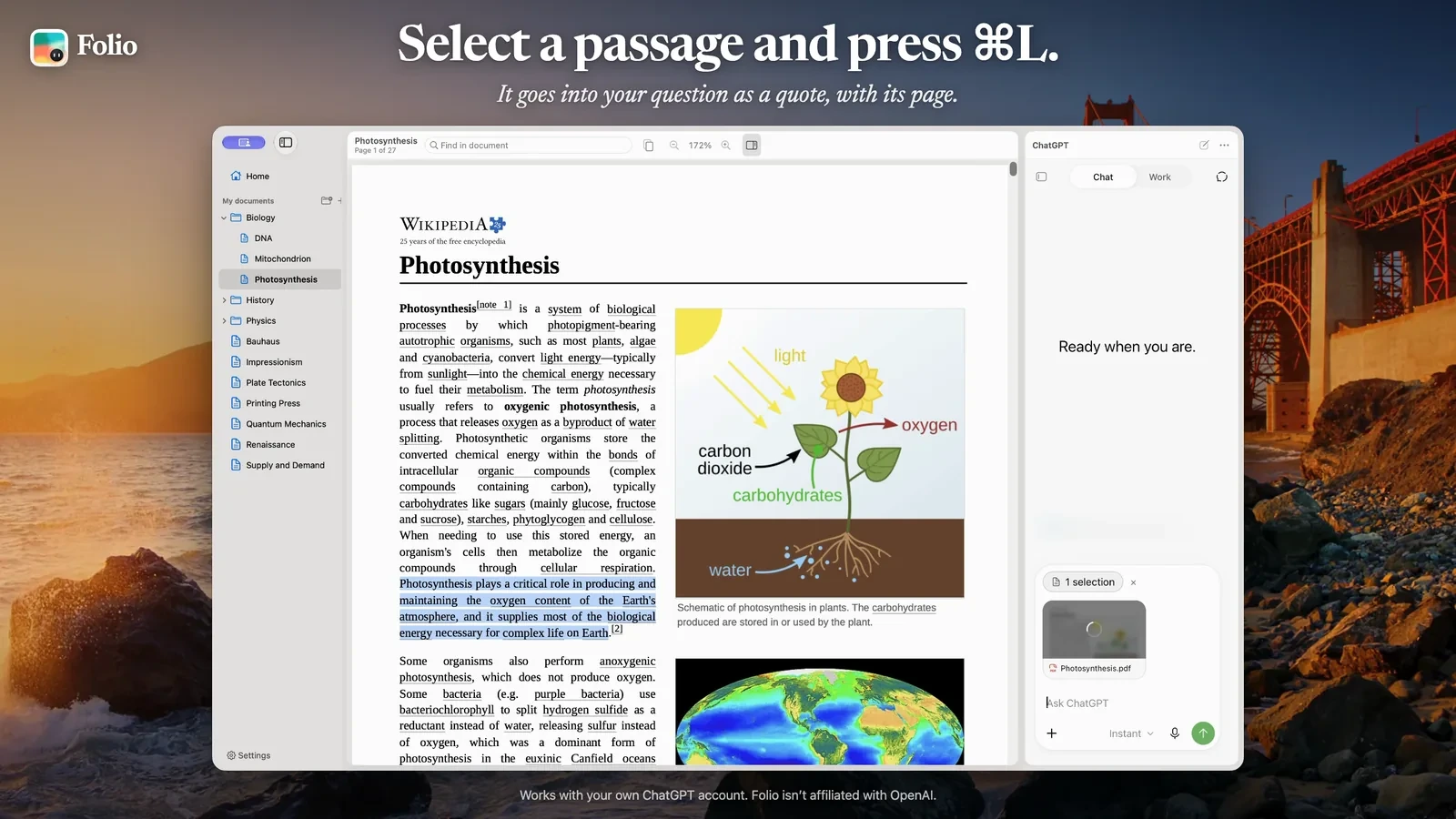
Select text and press ⌘L. The passage appears above the message box, labeled with the document and page, and you write and send the question yourself. For figures, tables, and formulas, Folio attaches an image of the whole page instead.
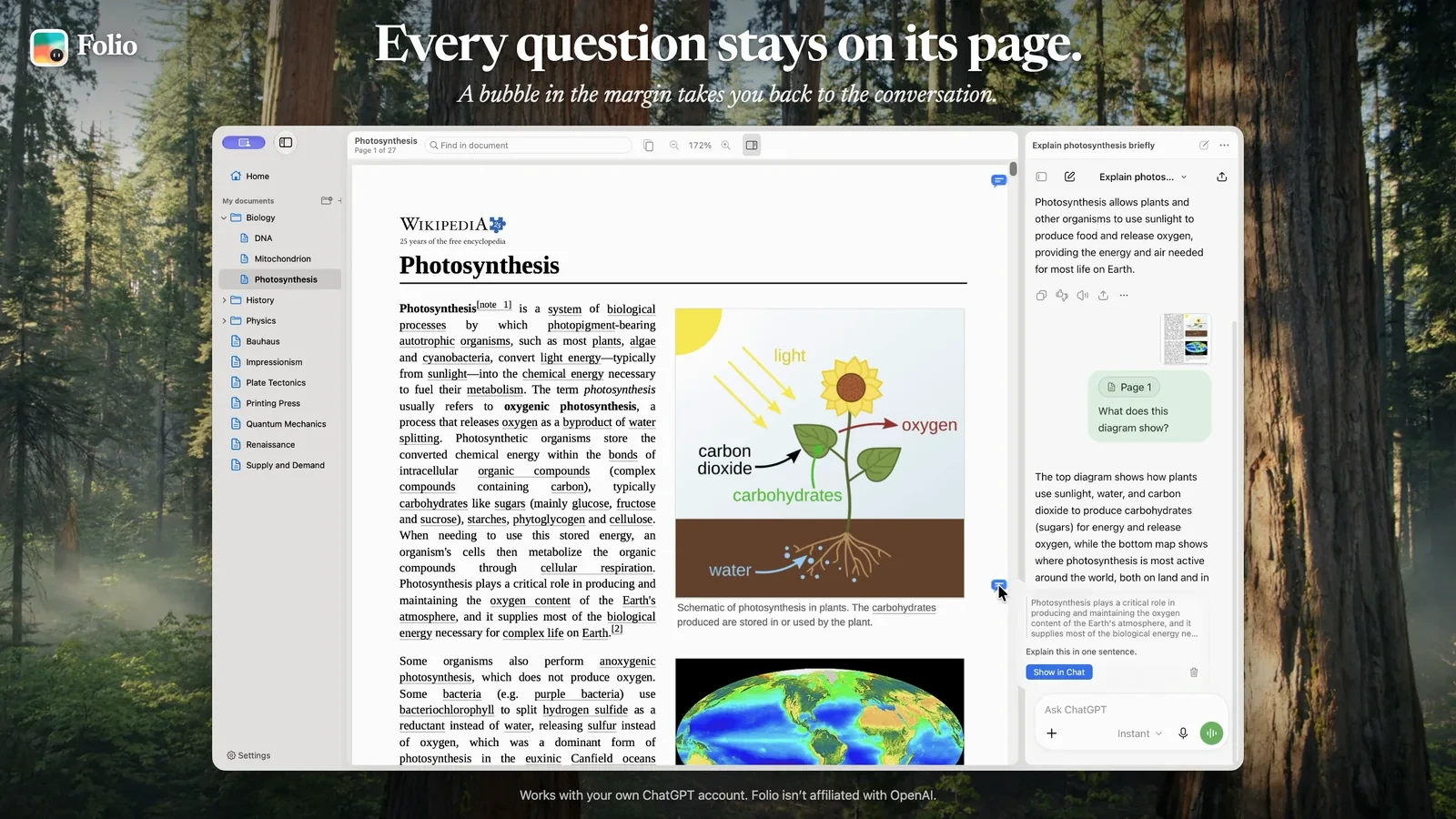
Questions stay on their page
Pages you asked about get a small bubble in the margin. Clicking it scrolls the chat back to that question.
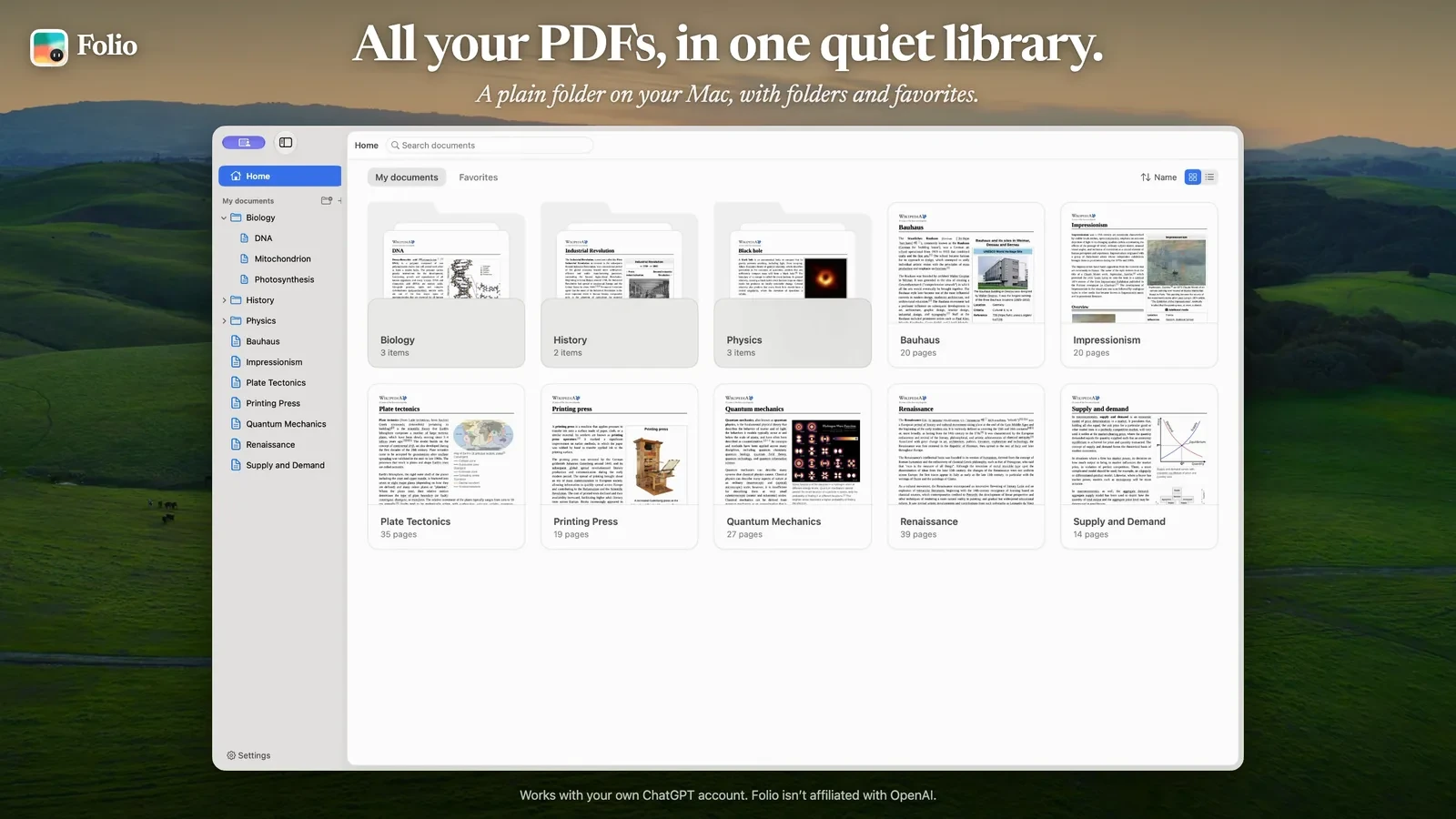
A folder as the library
The library is a plain folder, ~/Documents/Folio by default. If you use Findle, your Moodle courses appear in the sidebar. The reader itself is built with AppKit and PDFKit, with single-page, continuous, two-page, and book layouts.
Folio fills in the message box but never sends anything for you, and opening a PDF never uploads it. It needs macOS 26 or later. The guides are at pdf.amodrono.com and the source is on GitHub.